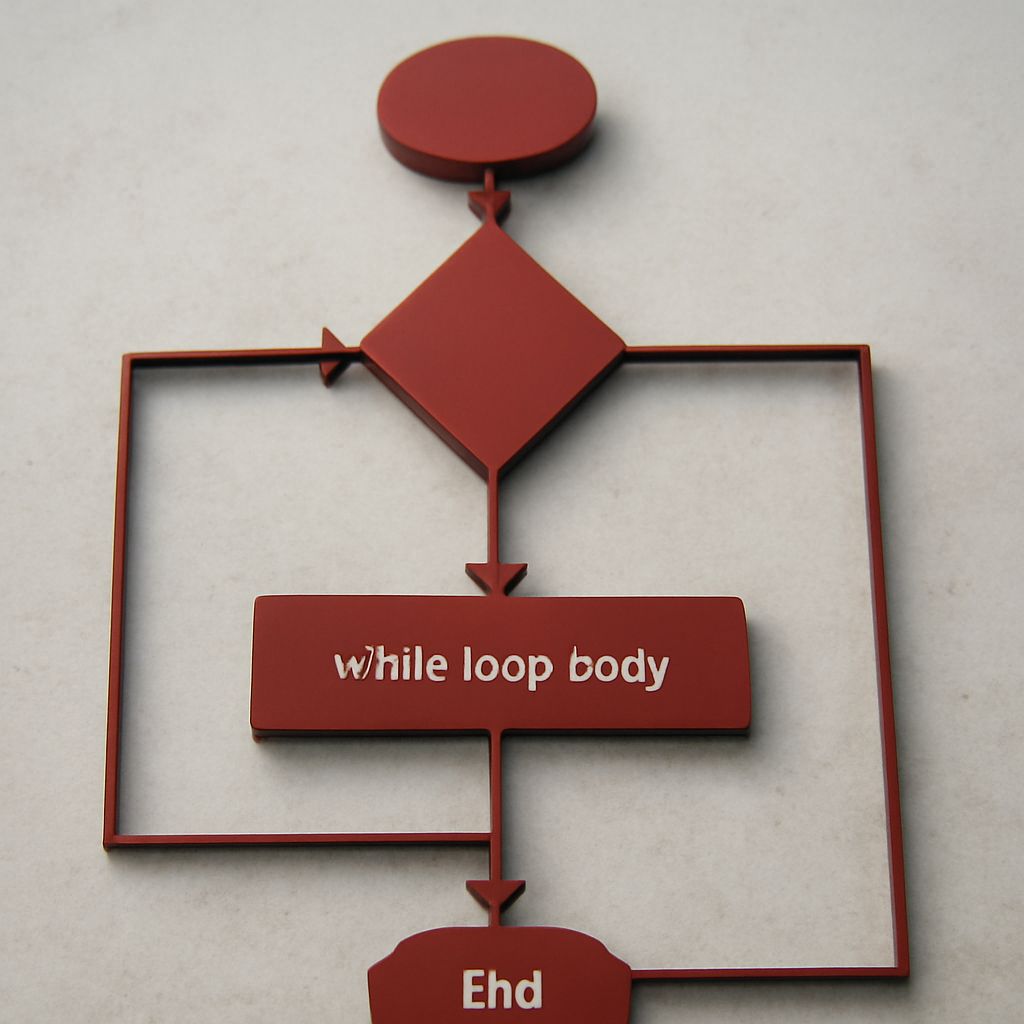
The while loop is an essential programming construct that allows code to be executed repeatedly based on a given Boolean condition. It’s a fundamental tool for creating dynamic and responsive programs, enabling developers to automate repetitive tasks and manage control flow in their applications. By understanding the syntax, use cases, and best practices associated with while loops, programmers can enhance their coding efficiency and problem-solving skills.
What is a While Loop?
A while loop is a control flow statement that repeatedly executes a block of code as long as a specified condition evaluates to true. The condition is checked before each iteration, allowing the loop to continue running until the condition becomes false. This makes while loops particularly useful for scenarios where the number of iterations is not predetermined.
How to Use a While Loop: Syntax and Examples
The basic syntax of a while loop in many programming languages is straightforward. Here is a typical structure:
while (condition) {
    // Code to be executed
}
In this structure, the condition is evaluated before each iteration. If it returns true, the code within the loop executes. Here is an example in Python:
count = 0
while count < 5:
    print("Count is:", count)
    count += 1
This Python code snippet will print the current value of count until it reaches 5, demonstrating how the loop continues while the condition count < 5 is true.
Common Use Cases for While Loops
While loops are versatile and can be applied in various programming scenarios. Some common use cases include:
- Processing Input Until a Certain Condition is Met: While loops are ideal for reading data until a specific input is received. For example, continuously asking a user for input until they provide a valid response.
- Simulating Real-World Processes: Many simulations require loops that run until a condition changes, such as simulating the movement of objects until they reach a particular position or state.
- Polling or Monitoring Tasks: While loops can be used to repeatedly check the status of a system or task until a certain condition is satisfied, such as waiting for a file to download or a server response.
Best Practices for Using While Loops
To maximize the effectiveness and efficiency of while loops, consider these best practices:
- Ensure the Condition Will Eventually Become False: Always make sure that the loop condition will eventually evaluate to false. Infinite loops can occur if the condition is always true, which can cause the program to hang.
- Avoid Complex Conditions: Simplify the loop's condition for better readability and maintainability. Complex conditions can make the code difficult to understand and debug.
- Monitor Performance: While loops can consume significant processing power if not carefully managed. Consider the performance implications, especially in resource-intensive applications.
- Use Break Statements Sparingly: While break statements can be useful for exiting a loop early, overuse can lead to code that's hard to follow. Strive for clarity by keeping loop logic straightforward.
By adhering to these best practices, programmers can effectively utilize while loops to create efficient, scalable, and maintainable code.