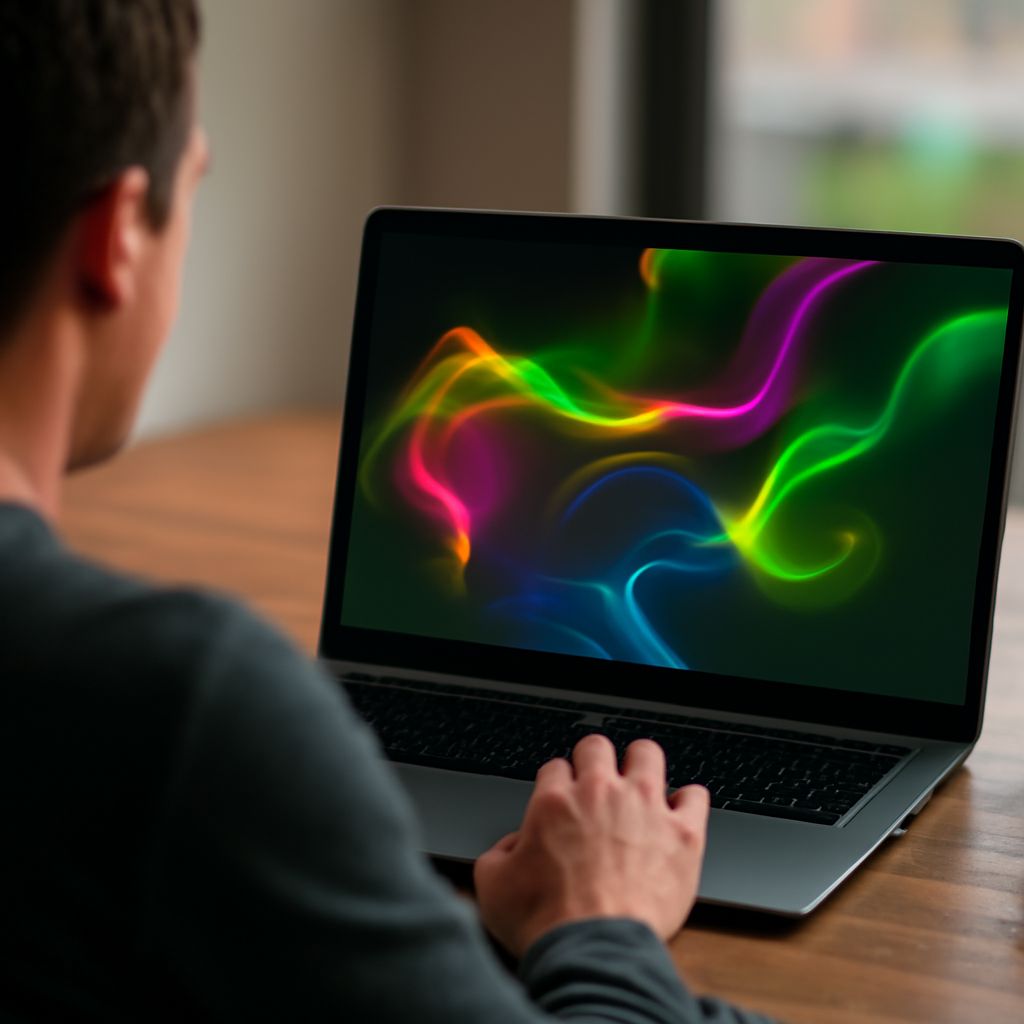
WebGL fluid simulation is transforming how web developers create interactive and visually dynamic web projects. By leveraging the power of WebGL—a JavaScript API for rendering 2D and 3D graphics within any compatible web browser—developers can design engaging experiences that captivate users. This article explores the concept of WebGL fluid simulation, guides you on how to implement it, showcases practical examples, and highlights its benefits.
What is WebGL Fluid Simulation?
WebGL fluid simulation is a technique used to mimic the behavior of fluids, such as water or smoke, within a web environment. It harnesses the computational power of the user’s GPU through WebGL to render complex fluid dynamics in real-time. This simulation involves solving mathematical equations that describe fluid motion, providing a realistic depiction of fluid behaviors.
At its core, WebGL fluid simulation involves particle systems, shaders, and physics calculations. Developers use these elements to simulate properties like viscosity, density, and turbulence, creating an interactive visual experience that mimics real-world fluid behaviors.
How to Implement WebGL Fluid Simulation in Your Project
Implementing WebGL fluid simulation can be an enriching process. Start by familiarizing yourself with the basics of HTML5 and JavaScript, as these technologies are fundamental to working with WebGL. Here’s a concise guide to get you started:
- Set Up the Environment: Ensure that your development environment supports WebGL. Modern browsers like Chrome, Firefox, and Safari are typically compatible.
- Leverage Libraries: Use libraries such as Three.js or Babylon.js to simplify WebGL programming. These libraries offer abstraction layers, making it easier to handle complex graphics tasks.
- Define Shaders: Write vertex and fragment shaders to determine how each pixel is rendered. Shaders are crucial for defining the appearance and behavior of your fluid simulation.
- Integrate Physics: Incorporate physics engines like Ammo.js to simulate fluid dynamics. This step involves setting parameters for fluid viscosity, density, and other characteristics.
- Optimize Performance: Fluid simulations can be computationally intensive. Optimize your code by reducing the number of particles or using level of detail (LOD) techniques to maintain performance.
- Test and Iterate: Continuously test your simulation across different devices and browsers to ensure compatibility and refine the user experience.
Practical Examples of WebGL Fluid Simulation
WebGL fluid simulation is widely used in various web projects to enhance interactivity and visual appeal. Here are a few practical examples:
- Interactive Art Installations: Artists use WebGL fluid simulations to create immersive online art experiences, allowing viewers to interact with flowing digital paint or smoke.
- Game Development: Developers incorporate fluid simulations in games to simulate realistic water, lava, or magical effects, enhancing the gaming experience.
- Educational Tools: Educators use fluid simulations to demonstrate scientific concepts such as fluid dynamics and thermodynamics, making learning more engaging.
- Virtual Product Demos: Companies showcase products that interact with fluids, like waterproof electronics, by using fluid simulations to demonstrate function and design.
Benefits of Using WebGL Fluid Simulation
Integrating WebGL fluid simulation into web projects offers numerous benefits:
- Enhanced Interactivity: Fluid simulations allow users to interact with digital content in a more dynamic and responsive way, boosting engagement.
- Visual Appeal: The realistic depiction of fluid motion creates visually stunning effects that can capture and retain user attention.
- Cross-Platform Compatibility: Since WebGL is supported by most modern browsers, fluid simulations can run on a variety of devices without additional software installations.
- Resource Efficiency: Leveraging the GPU for rendering allows for efficient use of computational resources, enabling complex simulations without overloading the CPU.
By exploring the possibilities of WebGL fluid simulation, developers can create innovative web experiences that push the boundaries of interactivity and visual design.